

 ID
ID  EN
EN  ES
ES  DE
DE  PT
PT  IT
IT  JA
JA 8 Best Free Quiz Plugins for WordPress in 2026
Quizzes are one of the easiest ways to make your WordPress site more interesting and entertaining. What’s so special about quizzes is that they literally work for almost any kind of goal you have in your mind, whether you’re testing knowledge ( a test or an exam), or capturing leads ( for example a product recommendation quiz) , or even just for fun, like a relationship quiz or personality quiz.
The right plugin will make the whole process easier, and you won’t need to spend a cent to get started with the quiz.
In this article we will present you with 8 free WordPress quiz plugins that are worth trying, based on what each one actually offers without upgrading your plan.
WordPress Quiz Plugin Comparison
| Plugin | Terbaik Untuk | Exam/Question Types | Kontraktor | Fitur Utama | Versi Gratis | Pricing Starts |
| Quiz Maker by AYS | Online exams, certification tests, and assessments | Multiple question types | Simple WordPress plugin setup; place via page/post or shortcode | Timers, customizable design (colors, fonts), Pro adds reports/analysis, third-party integrations (Google Sheets, Mailchimp, Slack), auto-sent certificates | Yes (unlimited quizzes, exams, and tests free) | Free + one-time payment Pro upgrade |
| Quiz and Survey Master (QSM) | Educators, HR teams, and quiz + survey needs | 12+ types: multiple choice, dropdowns, open-ended, file uploads | Pembuat seret dan lepas | Unlimited quizzes/surveys, score-based results pages built in, Pro adds Mailchimp integration, premium themes, extra question types | Yes (core 100% free) | Free + paid add-ons |
| HD Quiz | Beginners, bloggers, and teachers | Scored and personality-type quizzes, multiple question types | Easy setup with per-quiz settings | Social sharing, mobile/touch-friendly, screen-reader accessible, featured image/tooltip/audio/video per question, custom text on wrong answers | Yes (almost every main feature free) | Gratis |
| Quiz Cat | BuzzFeed-style quizzes, built for speed and no technical skill needed | One correct answer per question (free); personality/weighted scoring in Premium | Fast, simple quiz builder | Standard scored quizzes free; Premium adds personality quizzes, weighted scoring, email capture | Yes (limited to single-answer quizzes) | Free + Premium |
| Bit Form | Interactive forms, lead qualification, surveys, and simple quiz-style experiences | Multiple-choice, checkbox, dropdown, and other form fields; no dedicated quiz grading system | Pembuat formulir seret dan lepas | Basic conditional logic, multi-step forms, integrations, email notifications, customizable forms, spam protection | Yes, generous free version | Free + paid plans |
| WPForms | Beginners wanting a general-purpose form builder with basic quiz-style content | Multiple-choice, dropdown, checkbox, number, rating fields (Lite); graded/personality/weighted quizzes are paid | Pembuat seret dan lepas | Pre-built templates, payment forms, spam protection, email notifications, mobile-friendly | Yes (Lite), but advanced quiz logic is paid | Free (Lite) + paid plans |
| Fluent Forms | Interactive surveys, polls, and simple quiz-style forms | Multiple-choice fields, conversational form format | Form builder with conditional logic | Conditional logic, pre-built templates, email notifications, visual reporting | Ya | Free + paid tiers |
| SureForms | General forms and simple interactive content (not a dedicated quiz builder) | Multiple-choice and checkbox fields (free); scored/graded quizzes are paid | Drag-and-drop, Gutenberg-based builder | AI-powered form generation, templates, payment forms, email notifications, spam protection, customizable designs | Yes, but not full quiz features | Free + SureForms Business |
1. Quiz Maker by AYS
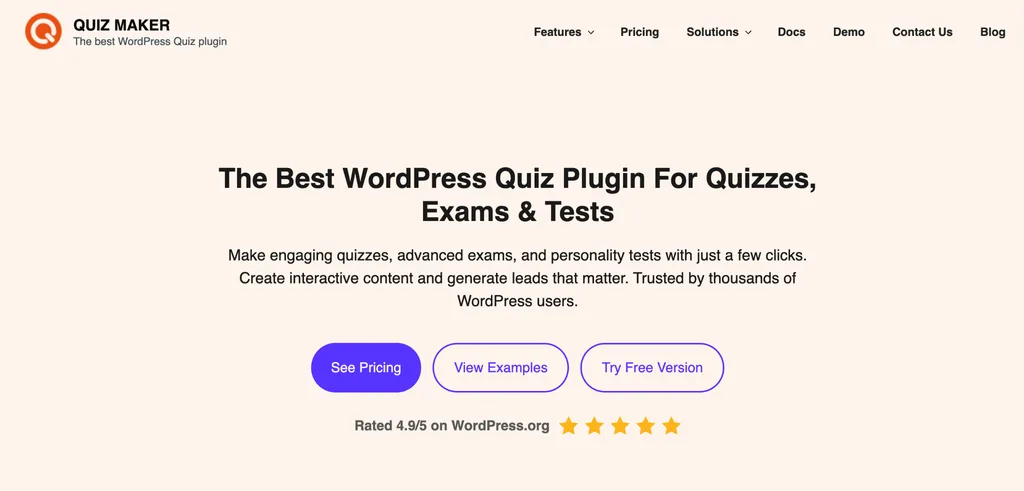
Quiz Maker by AYS is one of the well-known quiz plugins for WordPress. It has more than 20,000 active installations and a rating that is almost perfect. With Quiz Maker by AYS you can create quizzes, exams and tests all for free.
What’s interesting about this plugin is how easy it is to use, like you don’t need any coding skills to create quizzes, also it’s super easy to customaize (design-wise), and the interface is pretty user-friendly.
WIth this plugin you get multiple question types, timers, features to change the quiz design ( colors, fonts, etc.), and many more to do.
This plugin is bet for online exams, certification tests, and assessments.
Quiz Maker by AYS also offers the Pro upgrade, with a one-time payment option. Upgrading your plan can unlock features like reports and analysis, a chance to connect your quizzes with many third party apps ( Google Sheets, Mailchamp, Slack, etc.), it can also let you generate certificates, that can automatically be sent to your quiz takers. You can get to know to the pricing by visiting this link.
The setup for this plugin is very simple as well. You just install the plugin from the WordPress plugins menu. Activate it. After activating the plugin, you can create your quiz and add your questions. You can place it on any page or post it using a shortcode.
2. Quiz and Survey Master (QSM)
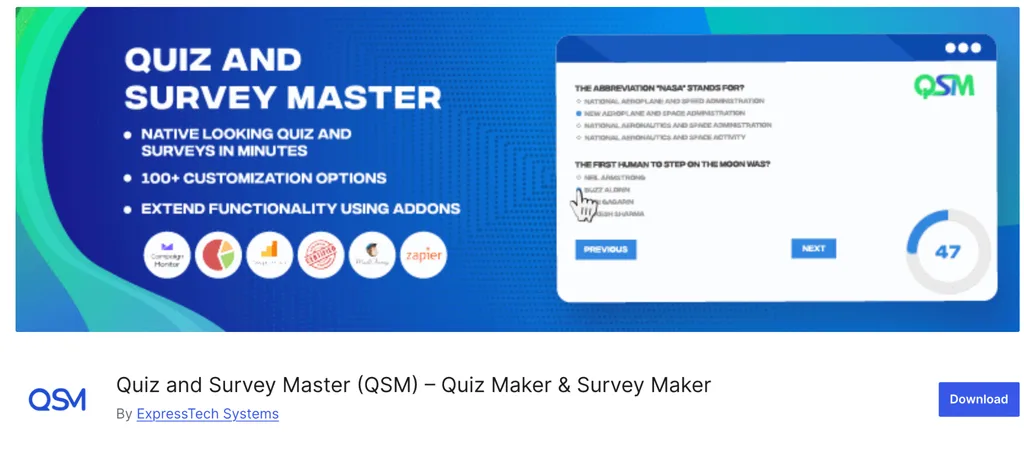
Quiz and Survey Master (QSM) is trusted by 40,000 websites and the core plugin is truly 100% free. Quiz and Survey Master supports over twelve question types, such, as multiple choice, dropdowns, open‑ended answers and file uploads and it allows you to create an unlimited number of quizzes and surveys from a single interface.
QSM also includes a drag-and-drop builder and score-based results pages without needing to buy an add-on first. Advanced features like Mailchimp integration, premium themes, and question types are inside QSM Pro, but the everyday quiz-building experience is complete on its own.
This plugin is best for Educators, HR teams, and anyone who wants a quiz and survey tool in one plugin.
3. HD Quiz

HD Quiz is one of the easiest plugins out there to use, and it’s consudered as a generious free quiz plugin on WordPress. Almost every main feature is free, including:
– Unlimited number of quizzes, questions, and answers
– Scored quizzes and Personalty-type quizzes
– Each quiz has its own options/settings
– Social sharing – share quiz results on Twitter, Facebook, and others
– Mobile and touch-friendly
– Quizzes are accessible (screen readers)
– Each question can have a featured image, tooltip, or even audio/video
– Each question can have “extra” text that by default will appear if the user gets the question wrong
– Multiple question types
And many more other features that are completely free to use.
This is especially a good choice for people and WordPress site owners who are beginners in the field, and also great for bloggers, teachers.
4. Quiz Cat

Quiz cat is mostly build for speed, and their free version is pretty ca[able of handling standary scored quizzes. It’s designed to make BuzzFeed-style quizzes easy to build and publish in minutes. You can easily make quizzes in few minutes without having any technical knowledge.
The thing about this plugin is that the free version only supports quizzes with one correct answer per question. So, if you want true personality quizzes, weighted scoring, or email capture, you’ll need Quiz Cat Premium. For straightforward scored quizzes, though, the free version works well on its own.
5. Bit Form
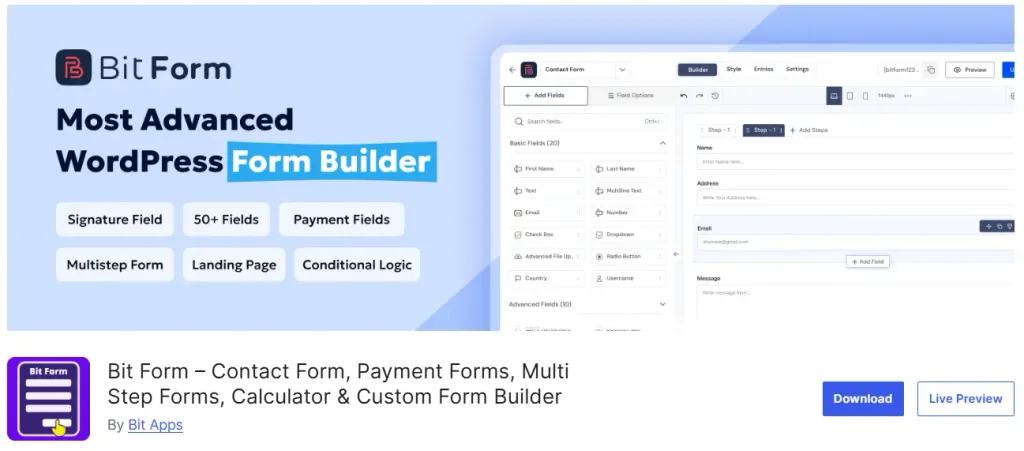
Bit Form is another option worth considering if you want to create simple quiz-style experiences without installing a dedicated quiz plugin.
It is primarily a WordPress form builder, so you will not find a dedicated quiz system with built-in grading, personality results, or an exam dashboard. Instead, you can use its form fields and conditional logic to create interactive questionnaires, knowledge checks, lead qualification forms, surveys, and simple question-and-answer flows.
One of the more useful features for this purpose is conditional logic. For example, you can show or hide the next field depending on the answer someone selects. This makes it possible to create a more personalized flow instead of showing every question at once.
Bit Form also supports multi-step forms, which can be useful when you have several questions and want to present them one section at a time. You also get integrations, email notifications, spam protection, and plenty of form fields for building more than just quizzes.
The main limitation is important to understand: Bit Form is not a dedicated quiz plugin. If you need automatic grading, quiz scores, certificates, detailed exam reports, or personality quiz results, a plugin such as Quiz Maker by AYS or QSM will be a better fit.
But if your quiz is part of a larger form workflow, such as qualifying leads, collecting feedback, recommending something based on answers, or gathering user information after a few questions, Bit Form gives you much more flexibility than a traditional quiz-only plugin.
6.WPForms
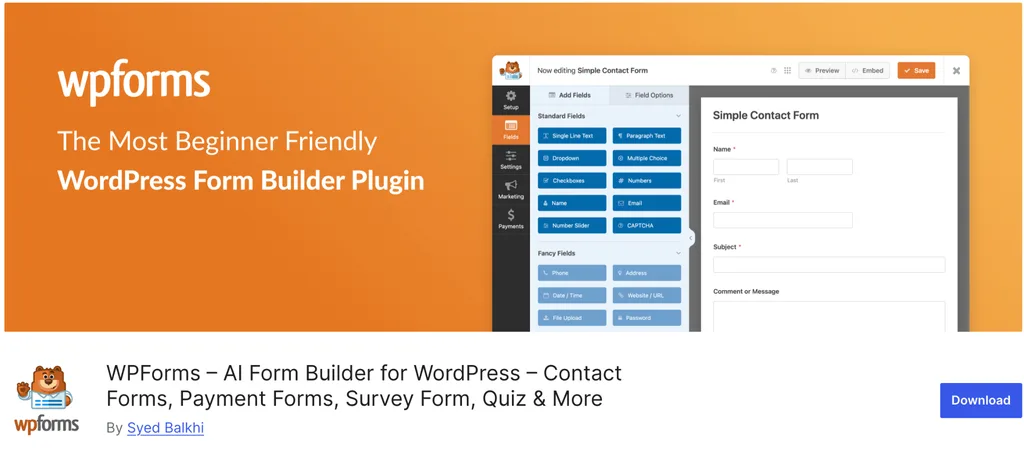
WPForms is well known for creating forms on WordPress. The main strength of this plugin is how simple it is to use. You get a drag-and-drop builder that makes building forms fast and easy.
WPForms Lite is mostly a drag-and-drop form builder. It is not built specifically as a quiz tool. It can still be used to create interactive forms, surveys and simple quizzes. The free version includes fields such as multiple-choice, dropdowns, checkboxes, numbers, and ratings. The plugin also provides made templates so you can get started quickly without writing any code.
However if you specifically want quizzes there is an important limitation. Features like graded quizzes, personality quizzes, weighted scoring, and quiz result logic are only available in the paid version. This means WPForms Lite works best for questionnaires feedback forms and basic interactive content. It is not a feature-rich free quiz solution. It is especially suitable, for beginners who need a general-purpose form builder that can also handle quiz-like content.
7. Fluent Forms
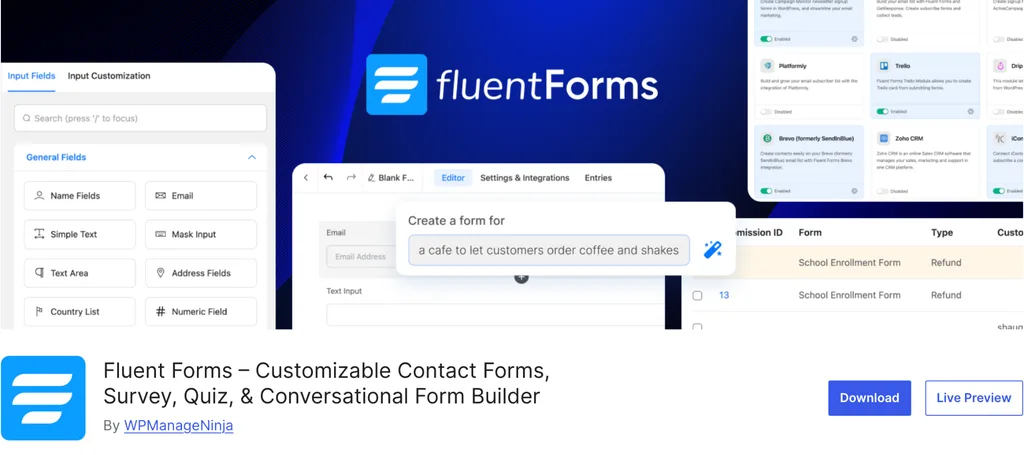
Fluent Forms is known as a form-builder plugin, it lets you build quizzes and simple tests. This plugin can be used to create surveys, polls and quiz-style forms. The free version of Fluent Forms comes with logical thinking, multiple-choice fields, conversational forms, pre-built templates email notifications and visual reporting. This gives you plenty of options, for creating content without any coding knowledge.
8. SureForms
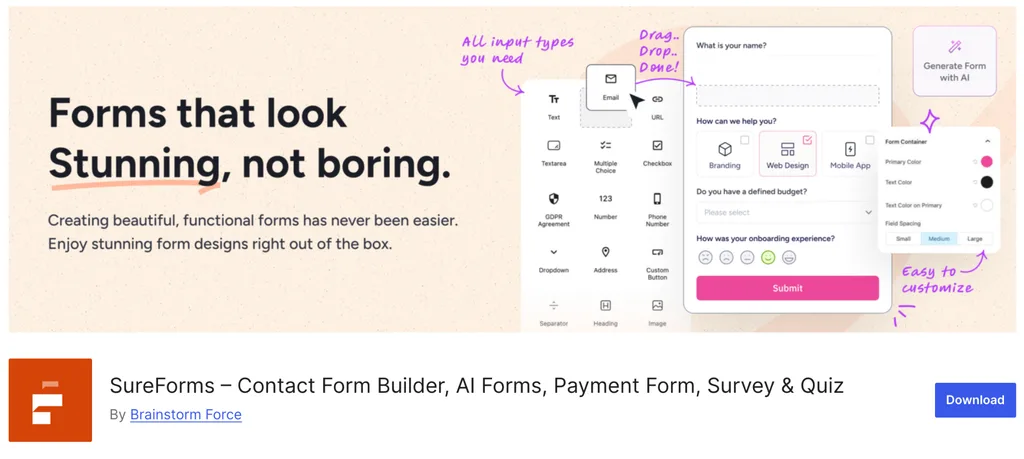
SureForms is a WordPress form builder, mainly made to create forms quickly and easily. It uses a drag-and-drop interface and a Gutenberg-style interface so you can build forms without any coding. The free version has some useful features, for example, multiple-choice and checkbox fields, AI-powered form generation, ready-made templates, etc.
However, if you’re specifically looking to create quizzes, there is an important limitation: scored quizzes, graded assessments, personality quizzes, surveys, and polls are part of SureForms Business rather than the free version.
Choosing the right quiz plugin for WordPress depends on what you really want to create. If you want to create tests or exams, then Quiz Maker by AYS or Quiz and Survey Master are the best free choices you can find. For people who are just starting out, bloggers, or anyone looking for an enjoyable quiz without any difficulty HD Quiz and Quiz Cat will let you have something online in just a few minutes. If you already use a form builder, like WPForms, Fluent Forms, or SureForms, you can use them to handle simple quiz-style content. Just keep in mind that quizzes that are graded, scored, or based on personality will probably need the paid version.
Which Free WordPress Quiz Plugin Should You Choose?
The right WordPress quiz plugin depends less on which plugin has the longest feature list and more on what you actually want the quiz to do.
If you are building proper exams, assessments, or scored tests, start with a dedicated quiz plugin such as Quiz Maker by AYS atau Quiz and Survey Master. They are built around quizzes from the beginning, so features such as questions, scoring, results, and exam management feel more natural.
For simple, engaging quizzes, HD Quiz dan Quiz Cat are easier options. They make sense when you want to publish something quickly without dealing with a complicated setup.
The form builders on this list serve a different purpose. WPForms, Fluent Forms, Bit Form, and SureForms are worth considering when the questions are only one part of a larger form experience. You might want to qualify a lead, collect contact information, recommend a product or service, gather feedback, or change the next question based on a previous answer.
That distinction matters. You do not need a full quiz platform for every interactive questionnaire, but you also should not expect a general form builder to replace a dedicated exam or quiz system.
Start with the outcome you need, check what the free version actually includes, and choose the simplest plugin that can handle the job without forcing you to upgrade for the features you need.


Blog Terkait

Best Gravity Forms Alternatives: Free & Affordable Options

8 Best Cognito Forms Alternatives in 2026 (WordPress & SaaS)

