
Are you a WordPress beginner? Do you remember when you first tried adding a contact form to your WordPress site? The long hours of wrestling with complicated settings, watching several tutorials on loop, and wondering why something so basic felt so overwhelming. Trust me! I’ve been there too.
We all know how crucial contact forms are for any website, but dealing with all these hassles makes it tiring. That’s why it is advised to use a contact form plugin for WordPress. That will help your visitors to communicate with you easily, collect new lead information, nurture the leads by routing them to other CRM platforms, and improve the overall form experience.
But the best contact form plugin isn’t the one with the most features. It’s the one that helps you get the results that you’re seeking.
In this comprehensive guide, I’ll be sharing the 7 best WordPress contact form plugins that actually deliver on their promise of being beginner-friendly. So this blog is going to be a treasure that will give you all the insights about form plugins, so stay tuned.
Why are contact forms essential on a website? Mainly, they are needed for communication between you and your visitors, whether you’re gathering leads, customer inquiries, or feedback.
After using all these best contact form plugins, I’ve noticed patterns. The easiest form builders have some things in common, which actually makes them beginner-friendly. Those features include:
1️⃣ A drag-and-drop builder: So that, starting from newbie to expert users, anyone can use it and create different types of forms.
2️⃣ Pre-built templates: This feature saves tons of hours. Users don’t have to build a form from scratch. They can simply select a template and start modifying it according to their needs.
3️⃣ A free version with basic form functionalities: Has a free version with basic fields like checkbox, dropdown, file upload, repeater, image select, and more. Also offers free platform integrations just like Bit Form.
4️⃣ Budget-friendly: Even if they had to purchase the paid tier, the price of a beginner-friendly WordPress contact form plugin should not be too high for a beginner.
5️⃣ Email notifications: Make sure form submissions actually reach your email inbox (without disappearing or going to spam); includes easy setup to use a proper email service (SMTP) when your web host causes email problems.
6️⃣ Comprehensive documentation: A documentation that assists you when you’re new. Offers step-by-step guides with screenshots that beat technical reference documentation every time.
| Plugin Name | Free Version | Key Feature | Best For |
| Bit Form | Yes | Ultra-lightweight (15 KB), drag-and-drop form builder | Users needing fast-loading dynamic forms with integrations (e.g., CRMs, payments), without add-ons. |
| Contact Form 7 | Yes | Completely free forever | Simple, basic contact forms without advanced needs |
| Fluent Forms | Yes | Easy form building | Building advanced, responsive forms like payments, quizzes, and lead gen |
| MetForm | Yes | Elementor-based form | Elementor users |
| Happy Forms | Yes | Simplicity with live previews in WordPress Customizer | Streamlining customer interactions with clean, no-add-on forms |
| Ninja Forms | Yes | Modular add-ons (40+) for customization | Growing businesses in sectors like education, healthcare, or eCommerce needing scalable features |
| Everest Forms | Yes | Drag-and-drop builder with pre-built templates | Creating versatile forms (e.g., contact, surveys, bookings) with strong spam protection |
Choosing the right contact form plugin can make a big difference in how easily you collect leads and communicate with your visitors. Below, we have listed the best WordPress contact form plugins in 2026 that are beginner-friendly, reliable, and designed to grow with your website.
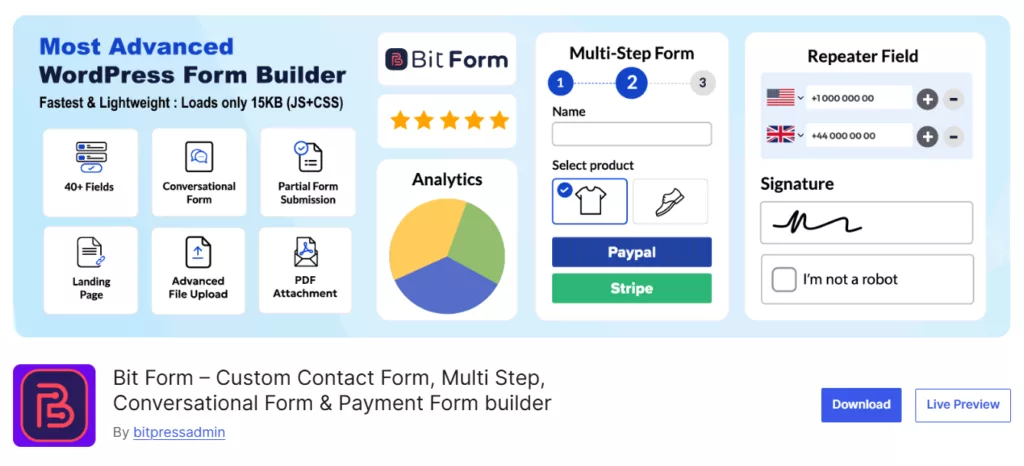
At present, Bit Form is one of the lightest contact form plugins in WordPress. It offers a wide range of features that make it suitable for both beginners and advanced users. This free WordPress contact form plugin comes with an intuitive drag-and-drop builder, 50+ advanced form fields, and payment gateway integrations.
Using them, you can create any type of form. Whether its simple contact form or a multi-step form, condition-based forms, or even payment forms, Bit Form makes it feel like no work.
Bit Form not only allows you to create dynamic forms, but also keeps your form safe using advanced spam protection. Other than that, you can also style your form as you want with its advanced Style Editor, and then you can reduce form abandonment and send real-time email notifications.
Not all features are in the paid plan. You get most of the key features in the free version. Actually, there is more to say about Bit Form. However, let’s not talk much and list down the amazing features of this excellent form plugin:
Free version available with extensive features. It offers both annual and lifetime deals, and the pricing starts at $29/year.


Contact Form 7 is one of the oldest and most downloaded WordPress contact form plugins. And the best thing about this popular plugin is that it is totally free. Though it is very easy to use, however, instead of a visual builder, it allows you to create contact forms using shortcodes. Beginners who are comfortable with this type of configuration may find it sufficient.
Plus, since it is a simple form plugin, you can only expect basic features like form validation, email notifications, and spam protection instead of advanced features or a drag-and-drop builder. It might be a good choice for those who don’t want such extravagant features.
It is free. Additional functionality can be added through free or paid third-party extensions.
📌Note: Find out the best free alternative to Contact Form 7 in this guide. Thank me later!
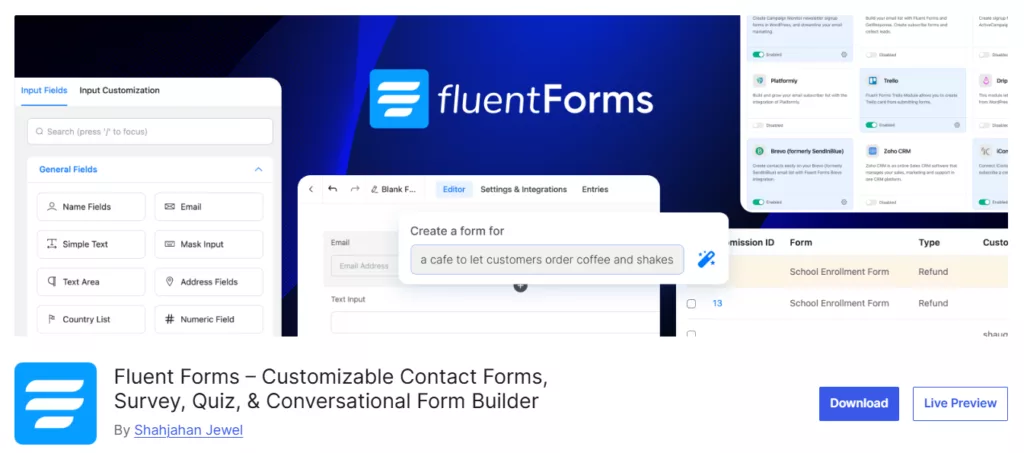
Fluent Forms is another WordPress contact form plugin with a drag-and-drop interface. This is also a freemium plugin that comes with various advanced form functionalities and built-in templates similar to Bit Form. It integrates with more than 56+ platforms natively, but most of these are available only at paid plans. Its drag-and-drop builder makes form creation easy, even for beginners.
Free version available with basic features. Paid plan for 1 site starts at $55 per year, with all the exciting features.
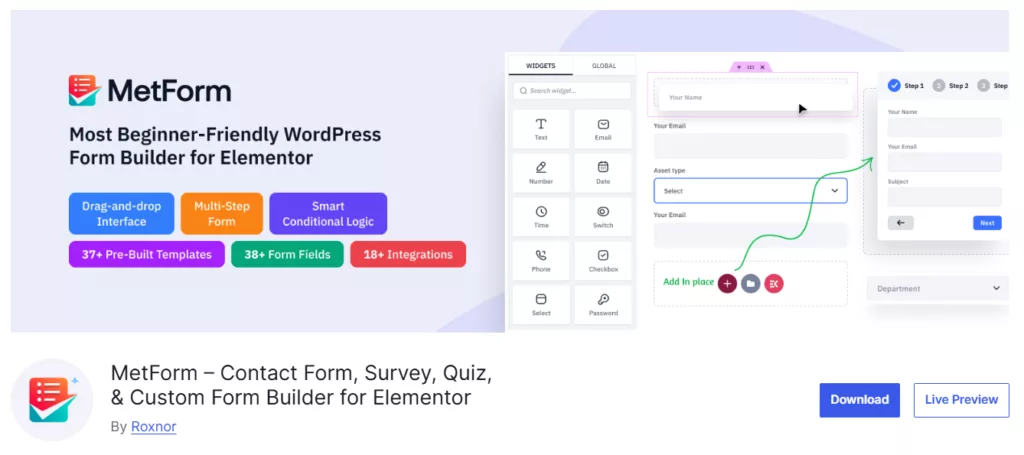
If you’re building your WordPress site with Elementor, MetForm is the WordPress contact form plugin you might like. This form builder comes with 40 different widgets so you can design any complex type of forms, starting from lead generation forms to job application or survey forms.
Since it is an Elementor-based form plugin, if you’re familiar and comfortable with Elementor’s interface, it will be even easier for you. No separate form builder interface to learn. It is best known for the option to create custom field groups and to use them again in another form with just one click.
Free version available. Pro version starts at $44 per year for a single site, including multi-step forms, conditional logic, quiz forms, and advanced integrations.

If you’re looking for a WordPress contact form plugin that has a live form builder, then Happy Forms is for you. It is beginner-friendly because, instead of giving you a separate form builder interface, it uses the WordPress Customizer. This means you build forms using the same familiar interface you use to customize your theme.
The form styling becomes more interactive with the real-time live preview feature, as users can view the changes or fields they are adding live. The free version of this contact form plugin for WordPress contains various features that enable you to create basic contact forms and custom forms easily.
Offers a free version with basic form fields and features. And the paid plans start at $89 per year.

Ninja Forms is another banger free WordPress contact form plugin. It comes with 24+ form field types, user friendly form building interface, and many other helpful features. You can also create complex forms like multi-step forms, payment forms, and conditional logic forms, also view analytics and advanced style forms, but for all these you will need add-ons.
Free core plugin. Paid plans with add-ons available starting from $59 each.
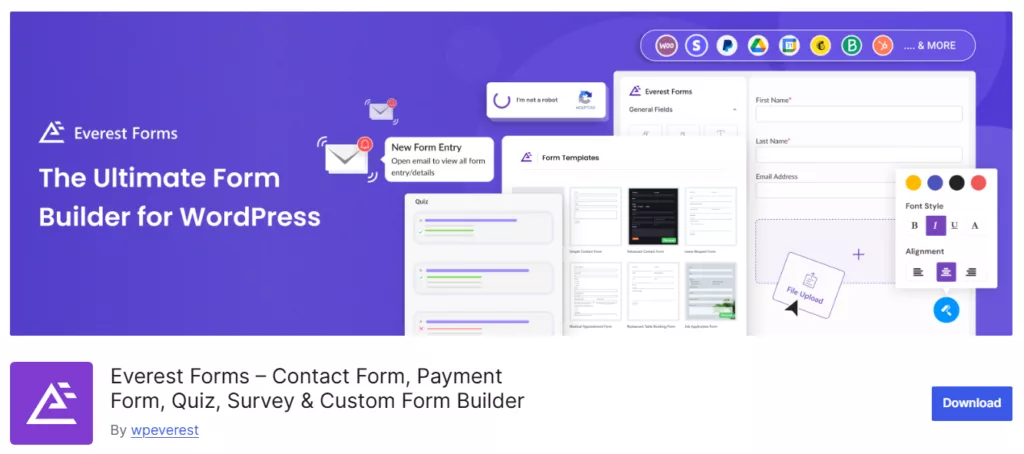
Almost every form plugin does the same thing- collect user data. Everest Form also does the same. It has an interface similar to Bit Form. However, hands down, Bit Form’s interface is easier to navigate.
With this free WordPress contact form plugin, you can create any form, starting from simple contact forms, to lead generation forms, to survey forms. It offers some exciting features like user redirection, form style customizer, survey, poll, and quiz maker. In terms of safety, Everest forms claim to provide bulletproof security by integrating with CAPTCHA, blocking domains, IPs, and emails.
Free version available. Pro plans start at $49 per year, and Lifetime licenses are also available.
One of the biggest points of confusion for beginners is understanding what a free contact form plugin actually includes and when upgrading becomes necessary. Many WordPress form plugins advertise a free version, but essential features are often locked behind paid plans. This is where beginners can feel frustrated.
In most WordPress contact form plugins, the free version only covers the basics. You can usually create a simple contact form, but advanced features are restricted. These often include conditional logic, multi-step forms, payment integrations, CRM connections, and detailed analytics. As a result, users are forced to upgrade sooner than expected.
What you usually get in free versions:
What is commonly locked behind paid plans:
This is where Bit Form stands out. Bit Form offers one of the most generous free versions available in 2026. Beginners can access drag and drop form building, multi-step forms, conditional logic, advanced fields, and multiple integrations without paying upfront.
When an upgrade is needed, Bit Form remains one of the most affordable options compared to other plugins that rely heavily on paid add-ons. This makes it a practical choice for beginners who want flexibility now and scalability later, without unexpected costs.
Before publishing your contact form, testing it properly is essential. Many beginners skip this step and later discover that their form is not sending emails or working as expected. A quick test helps you avoid missed inquiries and lost leads.
Start by submitting the form yourself using a real email address. Check whether the confirmation message appears correctly and make sure the notification email arrives in your inbox, not the spam folder. It is also important to test the form on mobile devices, since many visitors will submit forms from their phones.
Key steps to test your contact form:
Beginner-friendly plugins like Bit Form make testing easy with live previews and instant form submissions. Taking a few minutes to test your form before going live ensures a smooth experience for visitors and helps you collect leads without issues from day one.
Many WordPress beginners install a contact form plugin and expect it to work immediately. In practice, small setup mistakes often prevent forms from working properly or reduce conversions. These issues are common, but they can be avoided by using a beginner-friendly form builder like Bit Form.
One of the most common mistakes is not testing the form after publishing. Beginners often forget to submit a test entry, which can result in broken forms, missing confirmation messages, or emails not being delivered. Always submit a test form before making it live.
Another frequent problem is email notifications not reaching the inbox. Many web hosting servers block default WordPress emails, causing form submissions to go to spam or disappear completely. A reliable contact form plugin should make email notification and SMTP setup simple, so beginners do not lose important leads.
Spam protection is also often overlooked. Without CAPTCHA or bot protection, forms quickly get flooded with fake submissions. Beginners should always enable basic spam protection as soon as a form is created.
Common mistakes beginners should avoid:
Long forms with too many required fields often lead to form abandonment. Using conditional logic or multi-step forms helps keep forms short and user-friendly. For example, Bit Form includes these features in the free version, making it easier for beginners to create effective contact forms without unnecessary complexity.
After extensive testing and real-world use, Bit Form emerges as the best overall choice for beginners who want to build professional forms, and that too within budget.
The combination of lightweight performance, generous free features, and an intuitive interface makes it stand out. You get multi-step forms, conditional logic, and 50+ integrations without paying anything. When other plugins require add-ons and charge $100+ per year for these features, Bit Form includes them in the free version.
But here’s the thing I’ve learned. The best contact form plugin is the one that matches your specific situation. Contact Form 7 might be perfect for your simple one-page site. Fluent Forms could dramatically improve your lead generation. MetForm might save you hours if you’re already comfortable with Elementor.
My advice? Start with the free versions. Build a test form. Send yourself a submission. See which interface feels natural to you. The plugin that helps you get results fastest is the right choice, regardless of what anyone else recommends.
Among the easiest WordPress contact form plugins, Bit Form, Everest Forms, and Ninja Forms are quite a beginner friendly ones. The reason is that they require no coding and provide clean, drag-and-drop visual interfaces.
No. All seven plugins reviewed here work without any coding knowledge. They use drag-and-drop interfaces or easy builders. Contact Form 7 has the steepest learning curve with its shortcode system, but even that doesn’t require actual coding.
It depends on the plugin. Bit Form (15.3 KB) and Fluent Forms (under 48.5 KB) are extremely lightweight and won’t impact your site speed. Some older plugins load unnecessary scripts on every page, which can slow things down. Always check the plugin’s performance impact before committing.
Most modern form plugins include built-in spam protection. Enable Google reCAPTCHA for strong protection. Honeypot fields (invisible to real users but filled by bots) work well without annoying visitors. Bit Form and Fluent Forms include both methods in their free versions.
Yes, but you’ll need either a paid version or some add-ons to include this feature. In this list, almost all the contact form plugins include integrations with payment gateways except Contact Form 7.
Less is more. Research shows that each reducing form fieldincreases conversion rates by 50%. Include only essential fields for your purpose. For simple contact forms, name, email, and message are usually sufficient. Add more fields only when necessary.
This is usually an email configuration issue, not a plugin problem. Check your spam folder first. Then, verify the recipient email address is correct. Consider setting up SMTP (Simple Mail Transfer Protocol) using a plugin like WP Mail SMTP to ensure reliable email delivery from your WordPress site.
Yes, with Bit Form’s free version you can easily create multi-step forms. Multi-step forms can increase completion rates by breaking long forms into manageable sections.







 EN
EN  ES
ES  DE
DE