Form Guides

Learn how to build WordPress forms like contact, multi-step, and conditional forms using Bit Form. Step-by-step tutorials for every use case.

13 Reasons to Switch From Contact Form 7 to Bit Form 

13 Reasons to Switch From Contact Form 7 to Bit Form 

Contact Form 7’s feature freeze raises an important question for WordPress users. If the plugin will no longer introduce new features, how well will it meet your needs as your website grows? Your existing forms may keep working, but won’t get any new feature updates. Only security issues will be fixed. The creator, Takayuki Miyoshi, […]

How to Create an Employee Onboarding Form in WordPress 

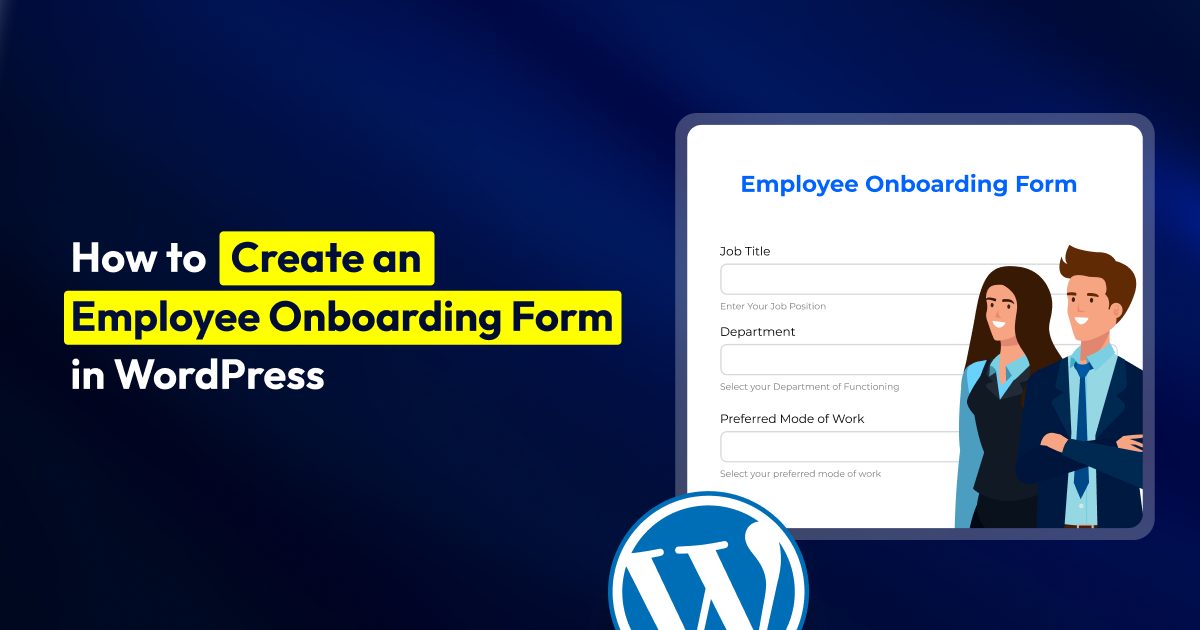
How to Create an Employee Onboarding Form in WordPress 

When a new hire joins the team, HR gets swamped with emails. One asks for their address and emergency contact details. Another sends attachments that employees have to print, sign, and scan. Then again, the IT team asks for the joining date that you already gave HR.  As a result, what happens? Information gets scattered […]

How to Create a Fundraising Event Registration Form With Payments

How to Create a Fundraising Event Registration Form With Payments

Every year, non-profit organizations run various fundraising events like charity galas, races, auctions, etc for different purposes. And it brings in a good amount of money. But most of the time, they collect donor information in a Google Form and take payment through a gateway. Two different places, two different lists. This creates a synchronization […]

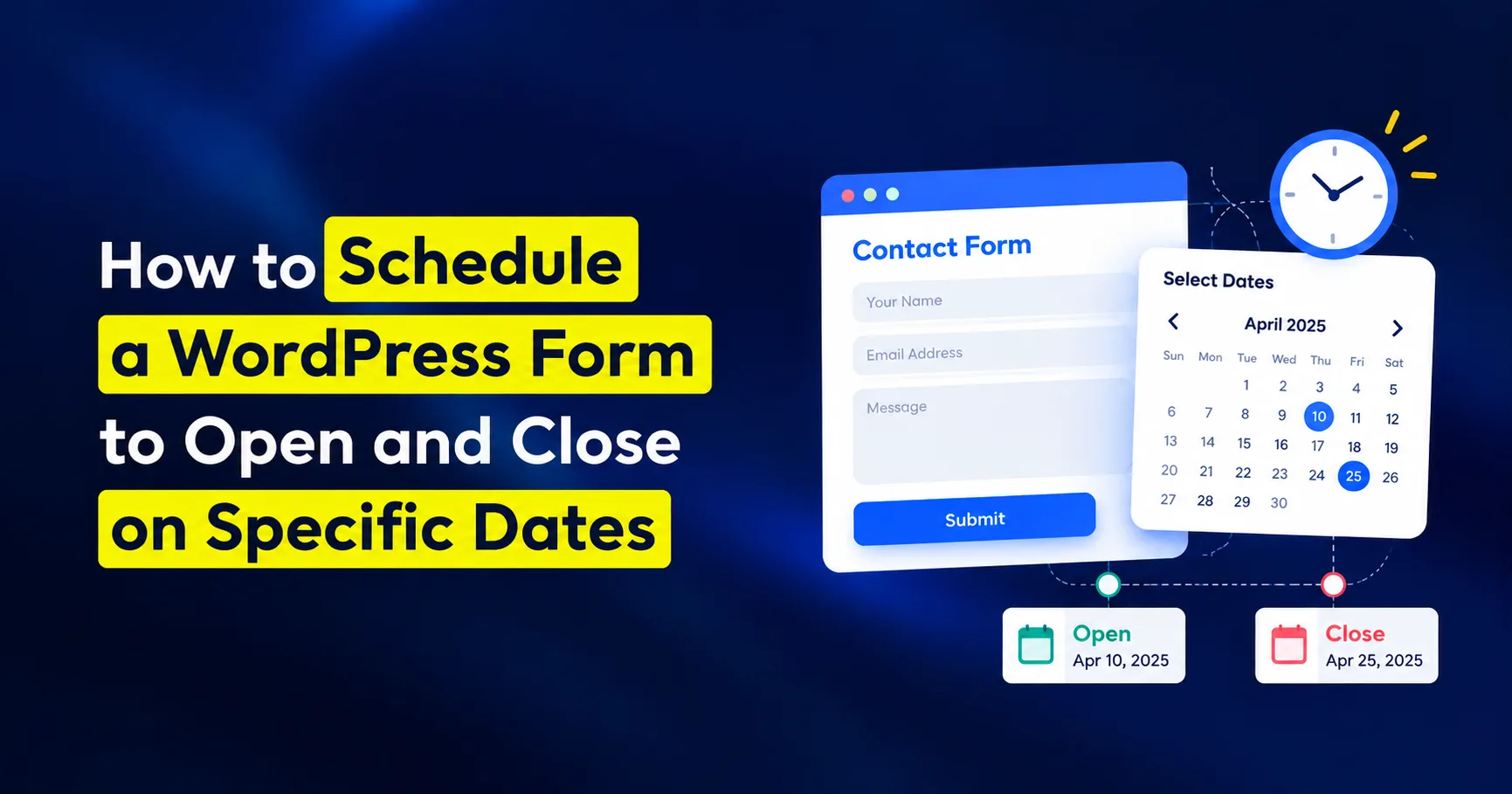
How to Schedule a WordPress Form by Date and Time

How to Schedule a WordPress Form by Date and Time

Most registration and application forms are meant to run only during a fixed period. After that timeline, no entries should be accepted. Yet a lot of them still stay active and continue accepting submissions. The reason? Somebody forgot to close the form.  Say, an event signup may open on September 15 and should close on […]

Podcast Guest Application Form: What to Ask and How to Build One

Podcast Guest Application Form: What to Ask and How to Build One

If you run a podcast, then getting podcast guest requests is normal. But it turns into a problem when you get them in bulk and when they start showing up everywhere. Most podcasts get guest requests through more than one channel (email, Instagram DMs, a friend-of-a-friend text); it becomes difficult to coordinate with different people. […]

How to Let Users Edit Their Own Form Submissions in WordPress

How to Let Users Edit Their Own Form Submissions in WordPress

When users need to correct a submitted form, the usual options are frustrating: submit the form again, contact the site owner, or ask an admin to update the entry manually. That creates duplicate submissions, extra support work, and outdated data. With Bit Form, you can avoid that. The Data Views & Edit feature lets logged-in […]

Form Design Best Practices for Better UX and Conversions

Form Design Best Practices for Better UX and Conversions

You know what? No matter how much you spend on driving traffic to your WordPress site, your effort can go to waste if your forms are poorly designed.  What does a bad form design cause? Well, they make people work very hard by adding too many form fields, poorly distributing fields, adding buttons that say […]

How to Add a “How Did You Hear About Us” Survey in WordPress

How to Add a “How Did You Hear About Us” Survey in WordPress

Last year on Christmas, one of my friends was discussing how her online bakery business started getting new customers. While explaining, she said she used to spend bucks on Facebook ads until she got to know how her real customers were actually coming. One day, she randomly posted on her page, asking, “How did you […]

Before you go
The #1 Affordable Form Plugin in the Industry

10,000+

Trusted Businesses

5 Star Rated

on WordPress.org
shield
No Risk: Get a “No-Questions-Asked” refund if Bit Form is not the right fit for your project.